How Squad
remembers things for you.

We made Squad for the kind of nights you wish you could keep in a shoebox under the bed — so the next morning, the album is already there, waiting, like a love letter from yesterday.

4 minutes to set up·Private by invite

From a name on the calendar, to a tableful of memories.

01

You name an event. You hand out a code.

A birthday in Goa. A Tuesday-night dinner that went too long. A wedding, a roadtrip, the last day before someone moves away. You give it a name and a window of dates, and Squad gives you back a private invite code.

Share the code with the people you want in the album. Each of them opens Squad on their own phone, taps the code, and they're in — quietly part of the same little story you're about to make together.

  • Invite by code, link, or QR — whichever is fastest
  • Set a host, or co-host with a friend
  • Albums lock automatically when the event window ends
the invitation
02

Everyone flips auto-sync on, and forgets it's there.

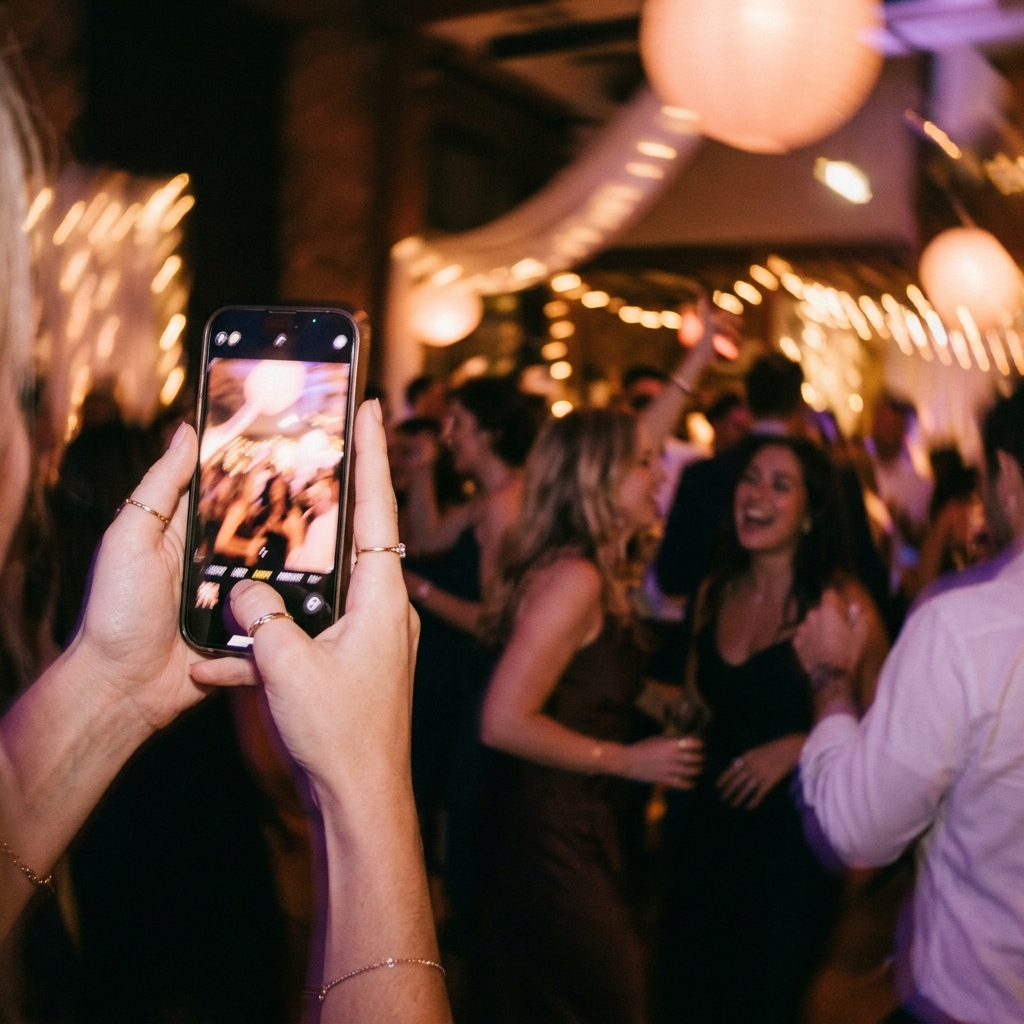
This is the quiet trick of Squad. You don't open our app to take a picture. You use your camera — the one you already love, the one your thumb already knows — and we listen for new photos in the background.

Each one is uploaded directly to your private cloud bucket the moment it's saved. Nobody waves a phone around at the end of the night asking, "wait, did anyone get that picture?" Squad already did.

  • Native camera, native quality — no cropping, no compression
  • Photos go straight to cloud storage; we don't hold a copy
  • Sync pauses if you leave the event area or turn it off
  • Private photos taken outside the event window stay private
auto-sync · 9:48 pm
03

The album fills itself, in real time.

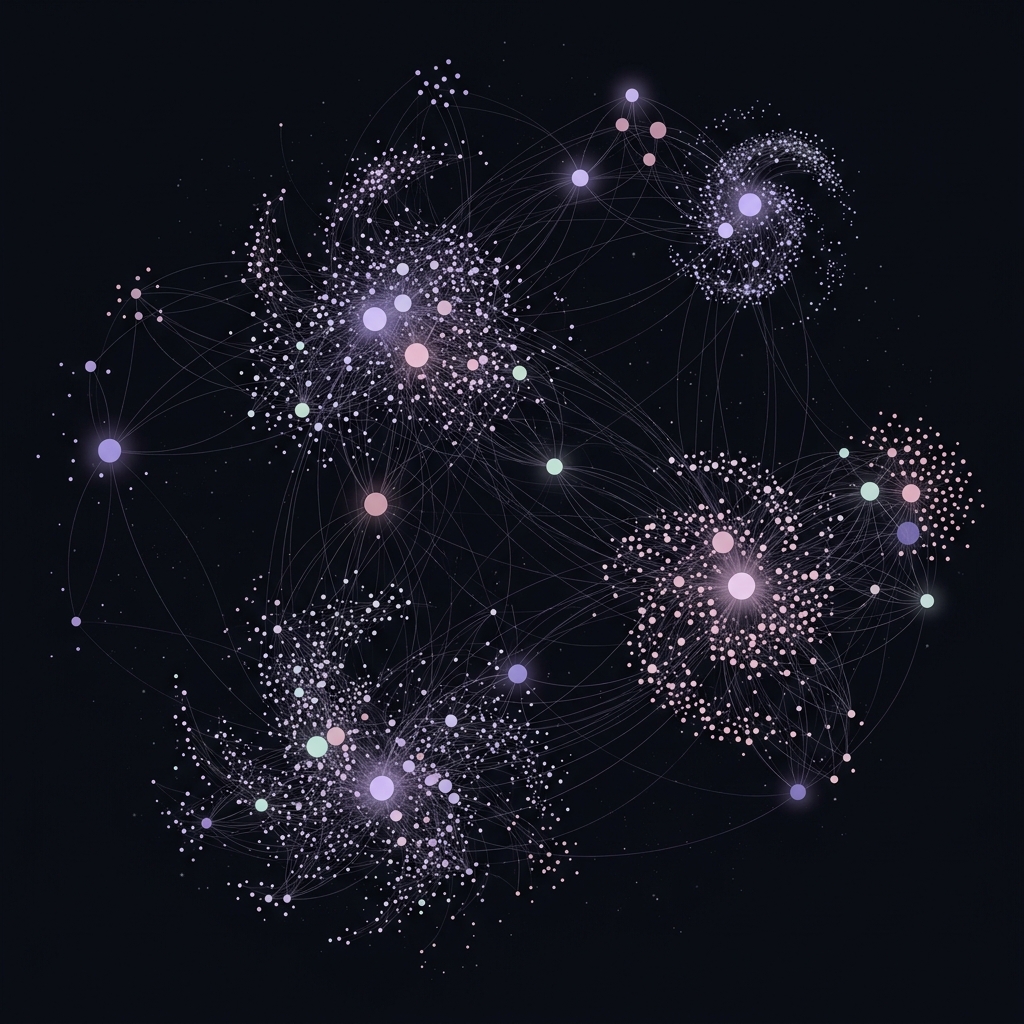
Open the album any time during the event and watch photos arrive like snowfall — yours, your best friend's, the cousin you've barely met. A live constellation, made of everyone's little moments at once.

When the event ends, the album folds itself shut. You can download the whole thing as a zip, share a private view link, or print a small book through our partner — a real one you can hold.

  • Live updates the moment a photo lands — no refresh, no waiting
  • Download the full album as a zip, or pick favourites
  • Order a printed photo book in three taps
  • Albums stay accessible to everyone who joined, forever
the morning after

“The best photos of any night are almost never on your own phone. They're on someone else's — half-blurred, beautiful, and lost to a group chat that nobody scrolled back through.”

— a love letter to forgotten albums

Things people often ask.

Does it work with my regular Camera app?

Yes — that's the whole point. Squad watches your camera roll for new photos taken during your event, and quietly uploads them to the shared album. You never have to open Squad to take a picture, and nothing about your camera changes.

Do my private photos get uploaded by accident?

Only photos taken while auto-sync is on, during your event's active window, are uploaded. Anything you took before, after, or with sync paused stays on your device. You can also flip sync off at any moment — it's a single switch on the home screen.

Who can see the album?

Only people who join with your invite code. Albums are private by default — no public listings, no search, no algorithm deciding who sees what. You can revoke the code at any point, and as the host, you can remove guests or photos with a long press.

Does my guest need to install the app?

Yes — every person you want in the album installs Squad on their own phone and joins with your invite code. The install is small, the sign-in is one tap, and from there auto-sync does the rest.

Will it drain my battery?

Not really. Squad doesn't hold the camera open or run a high-frequency background task. It uses the system's photo-library change notifications, which fire only when a new photo is saved — so most of the time it does nothing at all.

What happens to the album when the event ends?

It locks — no more photos can be added — and stays accessible forever to everyone who joined. You can download a zip of the whole thing, share a view-only link, or print it as a softcover book.

Is there a storage limit?

During the private beta, no — go wild. After we open up to the public there'll be a generous free tier per event, and a small paid tier for very large gatherings. We'll never delete an album you've already made.

Does it cost anything?

Free during the beta. After that, free for personal events up to a generous size, with paid plans for hosts who want more — bigger events, longer windows, custom branding, photo books at cost.

How do I get in?

Drop your email in the form below. We send out builds in small batches every week, with a short note from us — no marketing, no drip campaigns, just a quiet little hello and a download link.

Come and try Squad.

We'll send the build straight to your inbox.